
The $47,000 Mistake I See Sellers Make with Variations
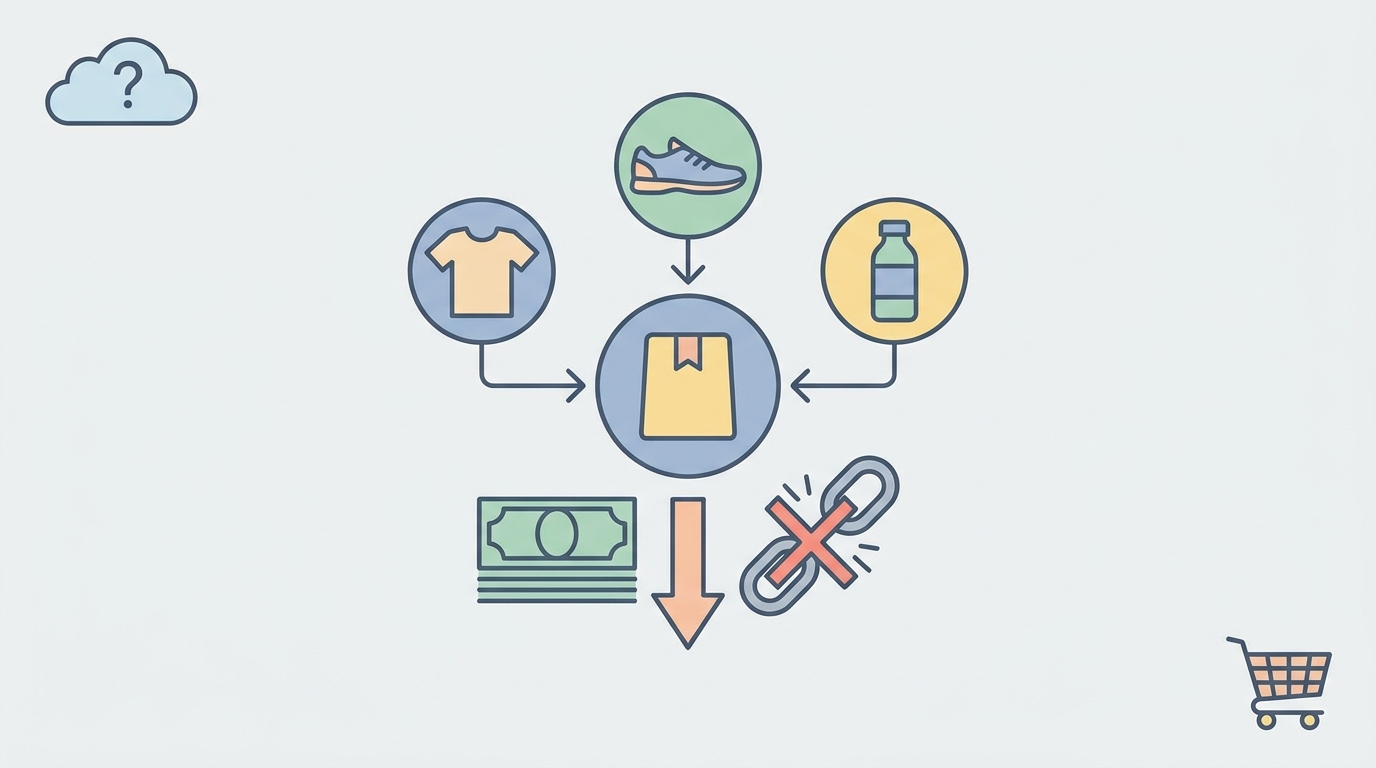
A seller recently showed me their variation setup for yoga mats. They'd grouped 15 different designs, 3 thickness options, and 4 sizes into one massive parent ASIN. Their conversion rate? 1.2%. After splitting into logical groups, it jumped to 4.7%.
That's a $47,000 difference in annual revenue on just one product line.
Amazon's parent-child variation system can boost or bury your listings. The algorithm treats grouped ASINs as a single entity for ranking purposes, which means one poor performer can drag down your entire catalog. But split too aggressively, and you'll cannibalize your own traffic.
How Amazon's Algorithm Actually Handles Variations
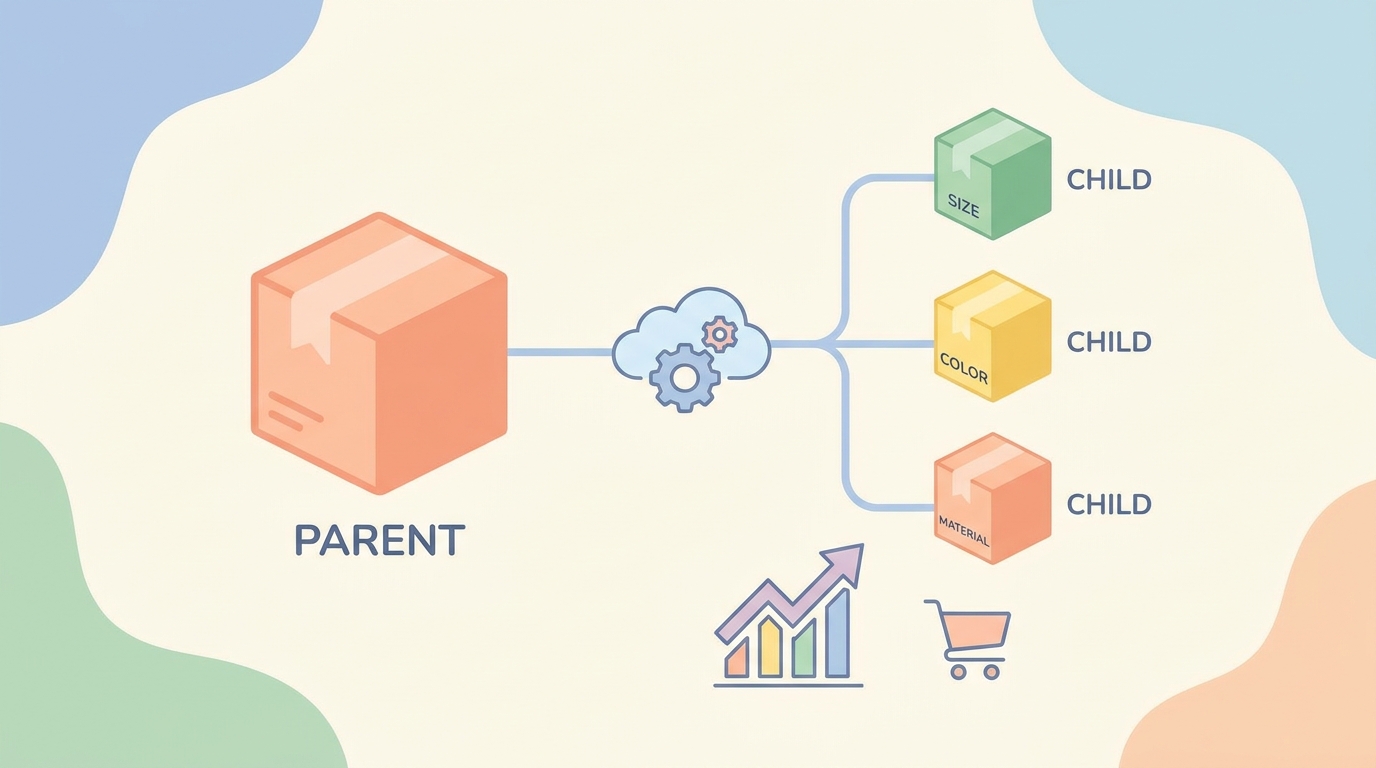
Here's what happens behind the scenes when you create a parent-child relationship:
Shared Ranking Signals All child ASINs contribute to the parent's overall performance metrics. Amazon calculates a weighted average based on:
- Sales velocity (70% weight)
- Conversion rate (20% weight)
- Return rate (10% weight)
If child ASIN B09XYZ has 50 sales at 8% conversion while B09ABC has 5 sales at 2% conversion, the algorithm weights toward the higher performer. But that 2% converter still pulls down your overall score.
The Mobile Display Problem On mobile devices (where 72% of Amazon shopping happens), customers see only the parent listing's main image and title initially. They must tap through to see variations. Each extra tap reduces conversion by approximately 23%.
Review Aggregation Rules Amazon pools reviews across all variations, but weights them by verified purchase recency. Reviews from the past 90 days count 3x more than older reviews. This means a new color variation with negative reviews can tank your established bestseller's rating.
The 5-Point Variation Decision Framework

I analyze every potential variation group through these specific criteria:
1. Price Delta Test
If your variations differ by more than 30% in price, split them.
Example: A leather wallet at $39 grouped with a canvas version at $19 confuses the algorithm's pricing signals. The customer seeing "$19-39" in search results expects the lower price. When they land and see the $19 option is an inferior material, bounce rate spikes.
2. Search Intent Alignment
Run this test: Search your main keyword in Amazon. Do customers searching this term want ALL your variations, or just specific ones?
Real example: "waterproof phone case iPhone 13"
- WRONG: Group iPhone 13, 14, and 15 cases together
- RIGHT: Group colors of iPhone 13 cases only
The search intent for "iPhone 13" is specific. Someone searching this won't convert on an iPhone 15 case.
3. Manufacturing Difference Rule
Variations from different manufacturers or with different core materials should split. Quality inconsistencies between suppliers create review problems that spread across all variations.
I've seen this destroy listings: A seller grouped Chinese-manufactured basic tees with premium Portuguese-made ones. The budget line's quality issues generated 2-star reviews that appeared on the premium product page.
4. Visual Cohesion Standard
Your variation swatches should tell a clear story in under 2 seconds. Test this: Show someone your variation swatches for 2 seconds. Can they understand what's different?
Good variation swatch progression:
- Black → Navy → Gray → White (colors)
- Small → Medium → Large → X-Large (sizes)
- 3-pack → 6-pack → 12-pack (quantities)
Bad variation mixing:
- Blue T-shirt → Red Hat → Green Socks → Yellow Scarf
5. Conversion Rate Variance
Track child ASIN performance weekly. If any variation converts at less than 50% of your best performer for 4 consecutive weeks, it's dragging down the family. Remove it.
Access this data: Seller Central → Business Reports → Detail Page Sales and Traffic → Filter by Child ASIN. Calculate: (Units Ordered / Sessions) × 100 for each.
Specific Scenarios: Group or Split?
Clothing: Split by Garment Type, Group by Color
Wrong approach:
- Parent: "Men's Athletic Wear"
- Children: T-shirts, Shorts, Hoodies in various colors
Right approach:
- Parent 1: "Men's Athletic T-Shirt"
- Children: All color options of the same t-shirt
- Parent 2: "Men's Athletic Shorts"
- Children: All color options of the same shorts
Why: Search intent for "athletic t-shirt" differs completely from "athletic shorts". But someone searching "red athletic t-shirt" might settle for blue.
Electronics: Split by Compatibility, Group by Color/Style
A phone case seller had grouped all their cases together. After splitting:
- iPhone 15 Pro cases: +340% in organic traffic
- Samsung S24 cases: +280% in organic traffic
- Universal cases: -12% (acceptable trade-off)
The compatibility split aligned with exact search queries. Nobody searches "phone case" — they search "iPhone 15 Pro case".
Home Goods: Split by Function, Group by Aesthetic
Example: Kitchen organizers
- Parent 1: Spice Rack Organizer (all colors/sizes)
- Parent 2: Pantry Shelf Organizer (all colors/sizes)
- Parent 3: Under-Sink Organizer (all colors/sizes)
Don't group different organizer types. A customer searching "spice rack" has zero interest in under-sink storage.
Advanced Variation Strategies That Actually Move the Needle
The Anchor SKU Method
Identify your highest-converting child ASIN and make it the default selection. In Seller Central:
- Go to Inventory → Manage All Inventory
- Click Edit on your parent ASIN
- Under "Vital Info" tab → "Variation Theme"
- Set your best performer as "Default Child ASIN"
This typically increases overall family conversion by 15-25% because customers land on your best option first.
Review Seeding Through Variations
Launch new variations strategically to build social proof:
- Start with your highest-traffic parent ASIN
- Add new variation during peak sales (Q4, Prime Day)
- Price it 10% below existing variations for first 30 days
- After generating 25+ reviews, normalize pricing
The new variation inherits the parent's ranking power while its competitive price drives initial reviews.
The 80/20 Variation Audit
Monthly, run this analysis:
- Export your Business Reports child ASIN data
- Sort by revenue contribution
- Identify which 20% of variations drive 80% of revenue
- Consider removing bottom 20% performers
I helped a supplements brand discover 3 flavors generated 87% of revenue across their 12-flavor variation family. They split those 3 into a premium line, kept 4 mid-performers grouped, and discontinued 5 losers. Result: 42% conversion rate improvement.
Platform-Specific Variation Rules You Can't Ignore
Character Limits in Variation Names
- Color: 50 characters max
- Size: 50 characters max
- Style: 100 characters max
But here's what matters: Only the first 25-30 characters display on mobile without truncation. Front-load your key differentiator.
Bad: "Premium Quality Genuine Leather Brown" Good: "Brown Leather - Premium"
The Bullet Point Inheritance Problem
Child ASINs inherit the parent's bullet points unless you specifically override them. But overriding breaks the family connection in Amazon's listing optimizer. Keep variation-specific details in the product description, not bullets.
Image Requirements for Variations
- Main image: Must show ONLY the variation difference
- Gallery images 2-7: Can be shared across family
- Swatch image: 1500×1500 pixels minimum, 85% frame fill
Pro tip: Use SellerCard's AI photo studio to generate consistent variation images. Same angle, lighting, and background across all options reduces cognitive load.
When Splitting Variations Backfires
Not every split improves performance. Watch for these warning signs:
Cannibalization Indicators
- Your variations appear as "Compare with similar items" on each other's pages
- Combined organic traffic drops below pre-split levels
- PPC costs spike as you bid against yourself
If this happens, use negative phrase targeting in your PPC campaigns to prevent self-competition. Add your other ASINs as negative keywords.
The Review Dilution Problem
Splitting means starting fresh with reviews. Only split when:
- Current reviews average below 4.0 stars
- You have a review generation system ready
- The variation difference justifies the social proof reset
Your 30-Day Variation Optimization Plan
Week 1: Audit Current Setup
- Run the listing audit tool on each parent ASIN
- Export 90 days of child ASIN performance data
- Calculate conversion variance between children
Week 2: Plan Your Structure
- Group variations by search intent alignment
- Sketch out new parent-child relationships
- Identify which variations to discontinue
Week 3: Execute Changes
- Create new parent ASINs for splits
- Use bulk upload templates for efficiency
- Set up PPC campaigns with protective negative keywords
Week 4: Monitor and Adjust
- Track daily sessions and conversion rates
- Compare to pre-change baseline
- Fine-tune default selections based on data
The Million-Dollar Question: Combine or Separate?
Here's your quick reference decision tree:
COMBINE when:
- Price varies less than 30%
- Same search intent captures all variations
- Visual differences are instantly clear (color, size, quantity)
- All variations convert within 50% of each other
SEPARATE when:
- Different core products masquerading as variations
- Compatibility requirements differ (iPhone vs Samsung)
- Price spans more than 30%
- Quality or supplier differences exist
- One variation consistently underperforms
The best variation strategy isn't about following rigid rules — it's about understanding your specific customer's decision process. Test, measure, and adjust based on real conversion data, not assumptions.
Track your changes using the profit calculator to ensure improved conversion rates translate to better unit economics. Sometimes a lower conversion rate at higher margins beats a high-converting, low-margin variation family.
Master the nuances of parent-child relationships, and you'll unlock Amazon's algorithm rather than fighting against it. Your variations should make choosing easier, not harder. When in doubt, ask: "Would I group these products in a physical store?" The answer usually points you in the right direction.