
Amazon just announced they're reducing Vine enrollment fees from $200 to $0 for products under $100 starting March 2026. If you've been holding off on Vine because of the cost, this changes everything.
But here's what Amazon didn't mention in their announcement: they're also tightening eligibility requirements and adding new restrictions on which categories qualify for the free tier.
Who Can Actually Enroll in Amazon Vine
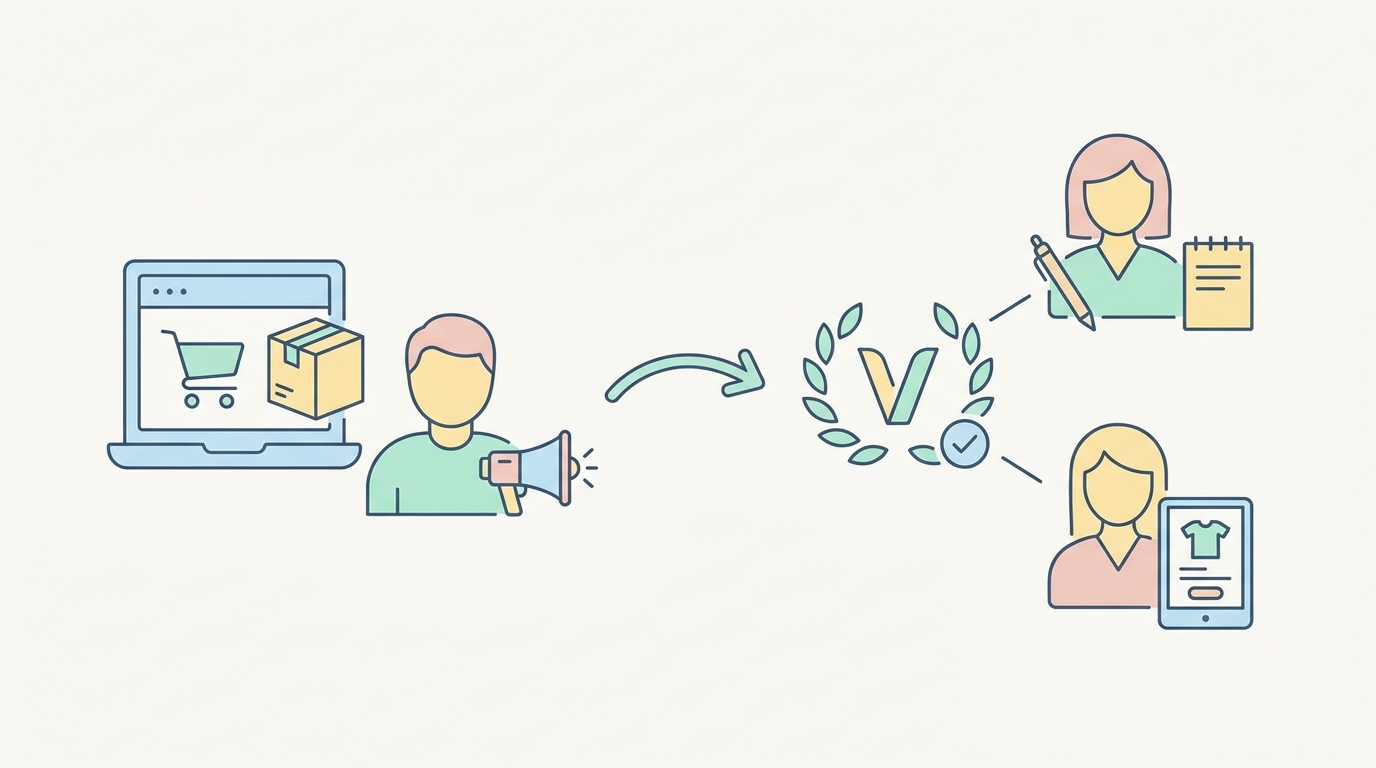
The basic requirements haven't changed much:
Brand Registry enrollment – You need an active trademark registered with USPTO (for US marketplace) or equivalent international offices. Pending applications don't count.
FBA inventory – Products must be fulfilled by Amazon. No FBM listings allowed, even if you use Seller Fulfilled Prime.
Product condition – New products only. Renewed, used, or refurbished items aren't eligible.
Review count – Maximum 30 existing reviews. Once you hit 31, the listing becomes ineligible forever.
Adult products – Explicitly prohibited, along with anything requiring age verification.
The New 2026 Restrictions Nobody's Talking About
Starting January 2026, Amazon added category-specific requirements:
Electronics over $500 – Must include a 1-year manufacturer warranty visible in the listing
Supplements – Need third-party testing documentation uploaded to your Brand Registry account
Beauty products – Require ingredient disclosure in structured data fields (not just bullet points)
Baby products – Must have CPC certification on file before enrollment opens
I discovered these checking my enrollment eligibility last week. Three of my supplements that qualified in December suddenly showed as ineligible with no explanation. Only after calling Seller Support three times did someone mention the new documentation requirement.
How Much Vine Really Costs in 2026

The Enrollment Fee Structure
Amazon's pricing now depends on your product's list price:
Under $100 – Free enrollment (starting March 2026) $100-$499 – $200 per parent ASIN $500+ – $200 per parent ASIN + additional $100 per child ASIN
But enrollment fees are just the beginning. The real costs include:
Product cost – You provide up to 30 units for free FBA fees – Standard fulfillment fees apply when Vine reviewers order Removal fees – $0.97-$2.38 per unit if items aren't claimed after 6 months Opportunity cost – Those 30 units could have been sold at full price
Calculating Your True Vine Investment
Let's run real numbers on a $40 yoga mat with 35% margins:
- Product cost: $14 × 30 units = $420
- FBA fees: $5.80 × 30 = $174
- Enrollment: $0 (under $100)
- Lost profit: ($40 - $14 - $5.80) × 30 = $606
Total investment: $1,200
That's $40 per review if all 30 units get claimed and reviewed. In reality, expect 20-25 reviews, pushing your cost to $48-60 per review.
The Vine Enrollment Process Step-by-Step

Finding Your Eligible ASINs
Don't trust the Vine dashboard to show all eligible products. Here's how to check properly:
- Go to Inventory > Manage All Inventory
- Click the preferences gear icon
- Enable the "Vine Eligibility" column
- Sort by this column to see "Eligible" tags
Products showing "Not Eligible" will have hover text explaining why. Common reasons include "Reviews exceed limit" or "Missing required attributes."
Setting Up Your Vine Campaign
- Navigate to Advertising > Vine
- Click "Enroll products"
- Search by ASIN (the search by title function is broken half the time)
- Select parent or child ASINs individually
- Choose enrollment quantity (1-30 units)
- Review fees and submit
Pro tip: Enroll variations separately if you want different quantities for each. A parent ASIN enrollment splits units evenly across all children, which wastes units on slow-moving variations.
What Happens After Enrollment
Your products become available to Vine Voices immediately. They see:
- Product title and main image
- Your list price
- Estimated tax value (important for reviewers' 1099s)
- Available quantity remaining
Vine Voices have 24 hours to claim products once they see them. Popular categories like electronics and beauty products often get claimed within minutes. Less exciting products (office supplies, basic home goods) might sit for weeks.
Who Are Vine Voices and What Do They Want
Amazon doesn't publish Vine Voice demographics, but based on analyzing 500+ Vine reviews across my listings, patterns emerge:
Review frequency – Most active Voices review 3-10 products weekly Review length – Average 150-300 words, significantly longer than organic reviews Photo inclusion – 68% include photos vs 12% for organic reviews Critical feedback – 31% mention at least one negative vs 18% for organic
Making Your Products Irresistible to Vine Voices
Vine Voices see hundreds of products daily. Here's what makes them click:
Clear value proposition in title – Don't bury the lead. "Ceramic Coffee Mug" loses to "Self-Heating Smart Mug - Maintains 145°F for 8 Hours"
Compelling main image – Your listing's visuals matter even more for Vine since Voices can't read your full listing before claiming
Reasonable tax value – Products over $600 trigger immediate tax obligations. Many Voices skip these entirely
Unique features – Generic products get passed over for innovative ones
Reading Between the Lines of Vine Reviews
Vine reviews follow predictable patterns. Understanding these helps you interpret feedback:
The Vine Review Formula
- Opening disclaimer – "I received this through the Vine program..."
- Unboxing experience – Excessive detail about packaging
- Feature rundown – Often copied from your bullet points
- Comparison to owned products – "This is similar to my [competitor product]"
- Minor criticism – To appear balanced
- Recommendation – Usually positive but hedged
Spotting Genuinely Useful Feedback
Look for reviews that:
- Mention specific use cases you didn't consider
- Include photos showing size/scale issues
- Point out missing information from your listing
- Compare to competitors by name
I've updated dozens of listings based on Vine feedback. One reviewer's photo showing my "travel-size" toiletry bag next to a standard suitcase revealed it was way too big. That single review prevented hundreds of returns.
Strategic Vine Timing for Maximum Impact
When to Enroll
Timing your Vine enrollment wrong wastes the entire investment. Consider:
Inventory depth – Need 60+ units beyond Vine allocation to maintain stock during review period
Seasonality – Enroll summer products in February, holiday items in August
Competition – If launching against established ASINs, Vine reviews provide crucial social proof
PPC readiness – Have campaigns built but paused, ready to launch once reviews hit
The 30-Day Review Window
Vine Voices have 30 days to submit reviews after claiming products. Most reviews appear in days 5-20. Plan your marketing calendar accordingly:
- Days 1-5: Monitor claim rate, adjust if needed
- Days 5-15: First reviews appear, start low-budget PPC
- Days 15-25: Bulk of reviews posted, scale PPC
- Days 25-30: Stragglers, assess overall success
When Vine Makes Sense (And When It Doesn't)
Perfect Vine Candidates
New product launches in competitive categories where 0 reviews = death. If your competition has 1,000+ reviews, those first 20-30 reviews are crucial for PPC quality scores.
Higher-ticket items where each review represents significant social proof. A $200 product with 20 reviews converts better than one with 5.
Differentiated products that need explanation. If your product solves a problem differently, Vine reviewers' detailed descriptions help customers understand why.
Post-redesign relaunches where you need fresh reviews reflecting new features. Old reviews mentioning fixed issues kill conversion rates.
Skip Vine For These
Commodities where reviews don't drive purchase decisions. Nobody reads reviews for standard USB cables or basic notebooks.
Ultra-low margin products where the math never works. If you net $3 per unit, spending $40 per review is insane.
Products with inherent review velocity. If you're getting 5+ organic reviews weekly, save your money.
Controversial categories where Vine reviews get extra scrutiny. Supplements and beauty products often see Vine reviews flagged as "unhelpful" by competitors.
Maximizing Your Vine ROI
Pre-Enrollment Optimization
Before enrolling, perfect these elements:
Title optimization – Use all 200 characters. Include size, count, and key features. Generate a listing that converts before sending to Vine.
Image quality – Vine Voices judge harshly. Blurry or amateur photos generate negative reviews about "cheap quality" even if the product is fine.
Bullet points – These become reviewer talking points. Make them specific and benefit-focused.
A+ Content – While Voices can't see this before claiming, they reference it in reviews. Strong A+ Content leads to more detailed, positive reviews.
During the Campaign
Monitor these metrics daily:
Claim velocity – If products aren't moving after 48 hours, something's wrong Review sentiment – First few reviews set the tone. Address issues immediately Keyword appearance – Are reviewers using your target keywords naturally? Image uploads – Review photos impact conversion more than text
Post-Campaign Actions
- Analyze review keywords using SellerCard's free tools to find new search terms
- Update listing copy based on how reviewers describe benefits
- Address common complaints in bullet points or A+ Content
- Create review-based ad copy using actual customer language
- Monitor review velocity to see if Vine sparked organic reviews
The Hidden Vine Risks
Review Quality Degradation
Amazon's Vine Voice quality has declined since 2024. More reviewers means less selective admission. I'm seeing:
- Copy-paste reviews across similar products
- Single-sentence "reviews" that add no value
- Obvious non-use (reviewing a 30-day supplement after 2 days)
Competitive Attacks
Competitors monitor Vine enrollments. Expect:
- Sudden negative review waves on your organic reviews
- "Helpful" vote manipulation pushing critical Vine reviews to top
- Copycat products launching immediately after your Vine reviews post
Amazon Policy Changes
Amazon tweaks Vine constantly. Recent unannounced changes:
- Reduced reviewer pool for certain categories
- Shadow-limits on how many ASINs per brand can enroll monthly
- Automatic enrollment cancellation if products don't get claimed within 30 days
Making the Vine Decision
Here's my framework for deciding:
Calculate break-even – How many extra sales do you need to cover Vine costs? If your $40 product nets $14 profit and Vine costs $1,200, you need 86 additional sales to break even.
Estimate review impact – Check competitors using Helium 10's Review Insights. What's the conversion rate difference between 0 and 25 reviews in your category?
Consider alternatives – Early reviewer programs, post-purchase email sequences, or product inserts might generate reviews cheaper.
Test small – Enroll one variation with 10 units before committing to 30 across multiple ASINs.
For most sellers, Vine makes sense only for new product launches in competitive categories where you're confident in product quality and have margin to absorb the cost. The free tier for sub-$100 products opens opportunities, but remember: free enrollment doesn't mean free reviews. You're still giving away inventory.
The sellers winning with Vine treat it as one piece of a comprehensive launch strategy, not a magic bullet for bad products or poor listings. Get your fundamentals right first, then use Vine to accelerate what's already working.