
eBay truncates titles at 50 characters on mobile search results — yet most sellers still waste their first 20 characters on brand names nobody searches for.
The Real Rules of eBay's Title System
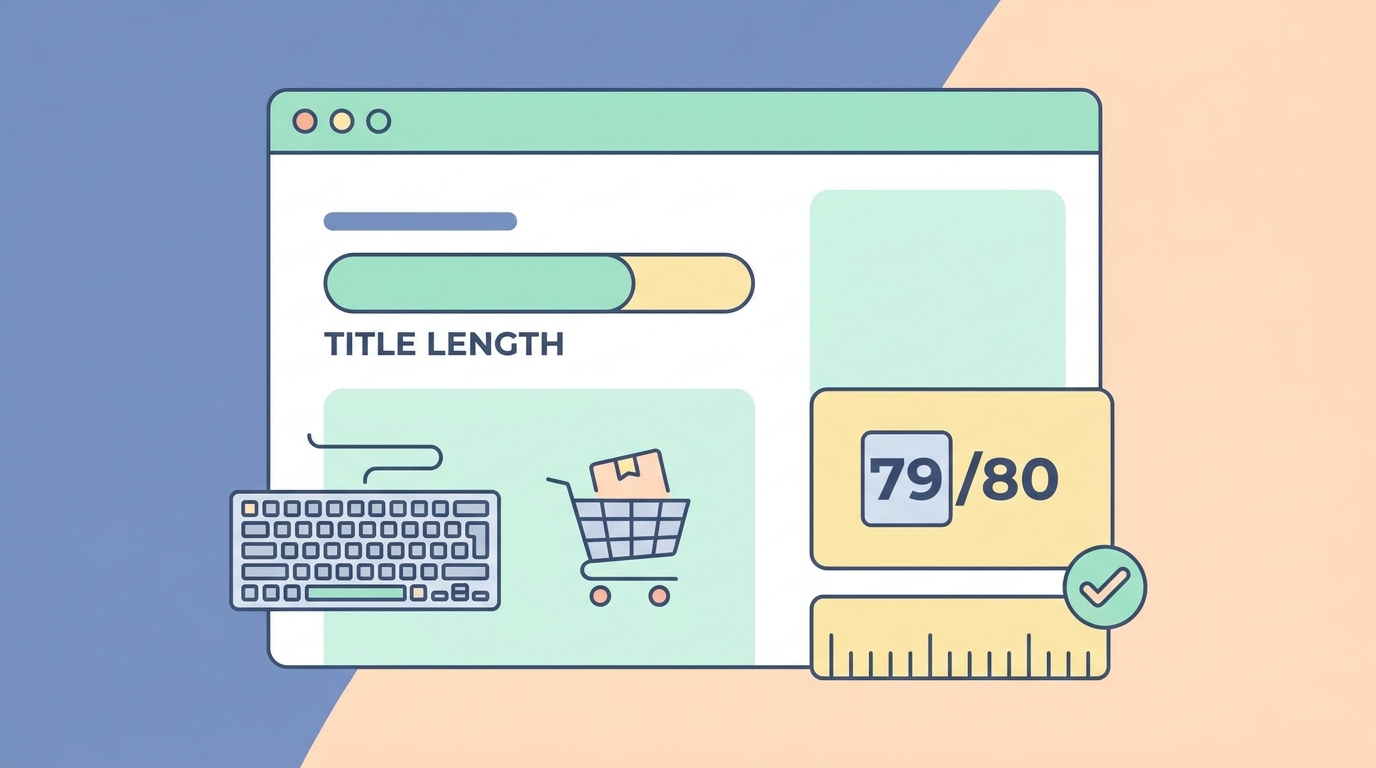
eBay gives you 80 characters for product titles, but here's what actually matters:
- Mobile search displays only the first 50 characters
- Desktop search shows 65-70 characters depending on letter width
- The eBay app shows 45 characters in grid view
- Cassini (eBay's search algorithm) weighs the first 5-7 words most heavily
This means your most important keywords need to live in the first 45 characters. Everything after that is optimization gravy.
Character Counting That Actually Works
Spaces count as characters. So do punctuation marks. But not all characters are equal:
Wide characters (M, W, Q): Take up more visual space, causing earlier truncation Narrow characters (I, l, i): Allow a few extra characters before truncation Numbers: Generally count as medium-width
Here's a real example:
"WWWWWWWWWW" (10 W's) might truncate at character 40 on mobile "iiiiiiiiii" (10 i's) might show up to character 55
Keyword Placement Strategy by Category
Different eBay categories have different buyer search patterns. Your title structure should match.
Electronics Titles
Buyers search by model number first, brand second. Structure:
[Model Number] [Brand] [Product Type] [Key Spec] [Condition]
Example: "iPhone 15 Pro Max 256GB Natural Titanium Unlocked - Mint Condition"
First 45 characters: "iPhone 15 Pro Max 256GB Natural Titanium Unlo"
This captures every high-intent search:
- "iPhone 15 Pro Max" (exact model)
- "iPhone 15 Pro Max 256GB" (model + storage)
- "iPhone 15 Pro Max Natural Titanium" (model + color)
Fashion & Apparel
Brand comes first in fashion. Buyers know what they want:
[Brand] [Gender] [Item Type] [Size] [Color] [Material] [Condition]
Example: "Patagonia Men's Better Sweater Fleece Jacket L Blue Full Zip EUC"
First 45 characters: "Patagonia Men's Better Sweater Fleece Jacket"
Collectibles & Trading Cards
Rarity and authentication matter most:
[Year] [Brand] [Player/Character] [Card Number] [Parallel] [Grade]
Example: "2023 Panini Prizm Victor Wembanyama #136 Silver PSA 10 Rookie RC"
First 45 characters: "2023 Panini Prizm Victor Wembanyama #136 Sil"
Mobile Optimization Techniques

Since 67% of eBay purchases happen on mobile, optimize for small screens first.
The 45-Character Test
Before publishing any listing, preview how it looks truncated:
- Copy your title into a character counter
- Cut it at 45 characters
- Ask: Does this truncated version still make sense?
- Can a buyer identify the exact product?
Bad truncation: "Brand New Samsung Galaxy S24 Ultra 5G Smartph..." Good truncation: "Samsung Galaxy S24 Ultra 256GB Titanium Gray..."
The second version tells buyers the model, storage, and color before truncation.
Remove These Space Wasters
Never use these in your first 45 characters:
- "Brand New" (use "New" instead)
- "100% Authentic" (eBay already has authentication)
- "Free Shipping" (shows separately in search results)
- "L@@K" or "RARE" (Cassini actually deprioritizes these)
- Multiple punctuation marks (!!!, ---, ~~~)
Replace verbose phrases:
- "New In Box" → "NIB"
- "Excellent Used Condition" → "EUC"
- "New With Tags" → "NWT"
- "Original Equipment Manufacturer" → "OEM"
Cassini Algorithm Optimization
eBay's Cassini algorithm reads titles differently than humans do.
Exact Match vs. Broad Match
Cassini prioritizes exact phrase matches. If buyers search "Nike Air Max 90," these titles rank differently:
- "Nike Air Max 90 White Leather..." (exact match)
- "Nike Air Max White 90 Leather..." (words separated)
- "Air Max 90 Nike White Leather..." (wrong order)
Always keep high-traffic phrases together.
The Synonym Problem
Cassini doesn't automatically understand synonyms. If buyers search both "laptop" and "notebook," you need both terms.
Solution for tight character limits:
"Dell XPS 13 Laptop/Notebook Intel i7 16GB RAM 512GB SSD Windows 11"
The forward slash lets you cover both search terms in minimal space.
Category-Specific Character Limits
Some eBay categories have different rules:
Motors (Parts & Accessories): 85 characters allowed Business & Industrial: 80 characters standard Real Estate: 55 characters only
Always check your specific category. The listing form shows remaining characters, but mobile truncation rules still apply.
Testing Title Performance
Track these metrics to optimize:
Click-Through Rate by Title Version
Run A/B tests with similar items:
Version A: "Sony WH-1000XM5 Headphones Black Noise Canceling Bluetooth NEW" Version B: "NEW Sony WH-1000XM5 Wireless NC Headphones Black - Fast Ship"
Track for 7 days:
- Impressions
- Clicks
- Watchers
- Sales
The data tells you which keyword order converts better.
Search Ranking Tracking
Use eBay's Terapeak tool (free for Store subscribers) to see:
- Which keywords drive most traffic
- Your ranking for specific searches
- Competitor titles ranking above you
Adjust your titles based on what's actually ranking.
Advanced Character-Saving Techniques
Strategic Abbreviations
Create a abbreviation system buyers understand:
Size abbreviations:
- XS, S, M, L, XL, XXL (not Extra Small, Small, Medium)
- 8GB, 16GB, 1TB (not 8 Gigabytes)
Condition abbreviations:
- NIB (New In Box)
- NWT (New With Tags)
- NWOT (New Without Tags)
- EUC (Excellent Used Condition)
- VGUC (Very Good Used Condition)
Technical abbreviations:
- BT (Bluetooth)
- NC (Noise Canceling)
- WR (Water Resistant)
Punctuation Strategy
Use single characters to separate concepts:
Hyphen (-): Separates major concepts "Samsung S24 Ultra - 256GB Titanium"
Forward Slash (/): Indicates alternatives "Laptop/Notebook" or "Black/Gray"
Comma (,): Lists features quickly "16GB, 512GB SSD, Win11"
Avoid parentheses, brackets, and multiple punctuation marks. They waste characters and look spammy.
Common Title Mistakes That Kill Sales
Mistake #1: Keyword Stuffing
Bad: "Nike Shoes Sneakers Running Jogging Athletic Gym Sports Footwear"
Cassini penalizes repetitive keywords. Pick the 2-3 terms buyers actually use.
Better: "Nike Air Zoom Pegasus 40 Running Shoes Black Size 10.5 New"
Mistake #2: Wrong Category Keywords
Using "iPhone" in an Android case listing doesn't capture iPhone buyers — it confuses the algorithm and frustrates shoppers.
Mistake #3: Special Characters
These characters break search and waste space:
- ★ ☆ ✓ ♥ ▶ ■
- Multiple exclamation marks (!!!)
- All caps entire words (except acronyms)
Cassini can't read special characters, making your listing invisible for those keywords.
Title Templates by Product Type
Use these proven structures:
Electronics Template
[Brand] [Model] [Key Spec] [Color] [Condition] [Extras]
"Apple MacBook Pro 16" M3 Max 36GB Space Black AppleCare 2027"
Clothing Template
[Brand] [Gender] [Type] [Size] [Color] [Material] [Condition]
"Lululemon Men's ABC Jogger Pants 32x30 Navy Warpstreme EUC"
Collectibles Template
[Year] [Brand] [Subject] [Variant] [Authentication] [Condition]
"1952 Topps Mickey Mantle #311 Rookie RC PSA 4 Centered"
Tools/Equipment Template
[Brand] [Model] [Type] [Power] [Condition] [Accessories]
"DeWalt DCD999 20V Max Hammer Drill Brushless 2 Batteries NEW"
Mobile Preview Tools
Test your titles before going live:
- eBay Mobile App: Create a draft listing and preview
- Character Counter Tools: lettercount.com shows exact truncation
- eBay Seller Hub: Preview option shows mobile rendering
For professional product photos that stand out in search results, try AI photo studio to create gallery-worthy images that complement your optimized titles.
Seasonal Optimization
Adjust titles based on shopping seasons:
Q4 Holiday Shopping: Add gift-related terms in characters 50-80: "...Perfect Gift Fast Shipping"
Back to School: Prioritize grade/age compatibility: "TI-84 Plus Graphing Calculator High School College Algebra NEW"
Summer: Include seasonal use cases: "Yeti Rambler 30oz Tumbler Seafoam Beach Pool Travel Cup NEW"
These seasonal terms go after your core keywords, using the full 80 characters strategically.
Measuring Success
Track these metrics weekly:
- Search impressions: Are more people seeing your listings?
- Click-through rate: Does your title compel clicks?
- Conversion rate: Do clicks turn into sales?
- Average selling price: Are optimized titles commanding higher prices?
If you need help crafting the perfect listing content to match your optimized titles, try the listing optimizer to generate compelling descriptions that convert.
The 80-character limit isn't a constraint — it's a framework for clarity. Every character should earn its spot by either matching search queries or clarifying product details. Test, track, and refine based on what actually drives sales in your category.
For comprehensive listing analysis and optimization suggestions, check out these free seller tools designed specifically for marketplace sellers.