If you sell on Amazon, Etsy, or Shopify, you need a clean white background on at least one of your product photos. Amazon's main image policy requires it. Etsy's first-photo template recommends it. Shopify's conversion data says listings with clean main shots outperform busy ones by 20-30%.
The catch: clean white background photography in a studio costs $50 to $200 per product. AI background removers do the same job in 5 seconds for under $1.
I tested five of the most popular product photo background remover tools on the same 12 products — varying difficulty from "easy" (white-on-dark) to "nightmare" (fluffy faux fur on snow). Here's how they compare on output quality, batch processing, pricing, and which one makes sense for which type of seller.
What "good" looks like for a product background remover
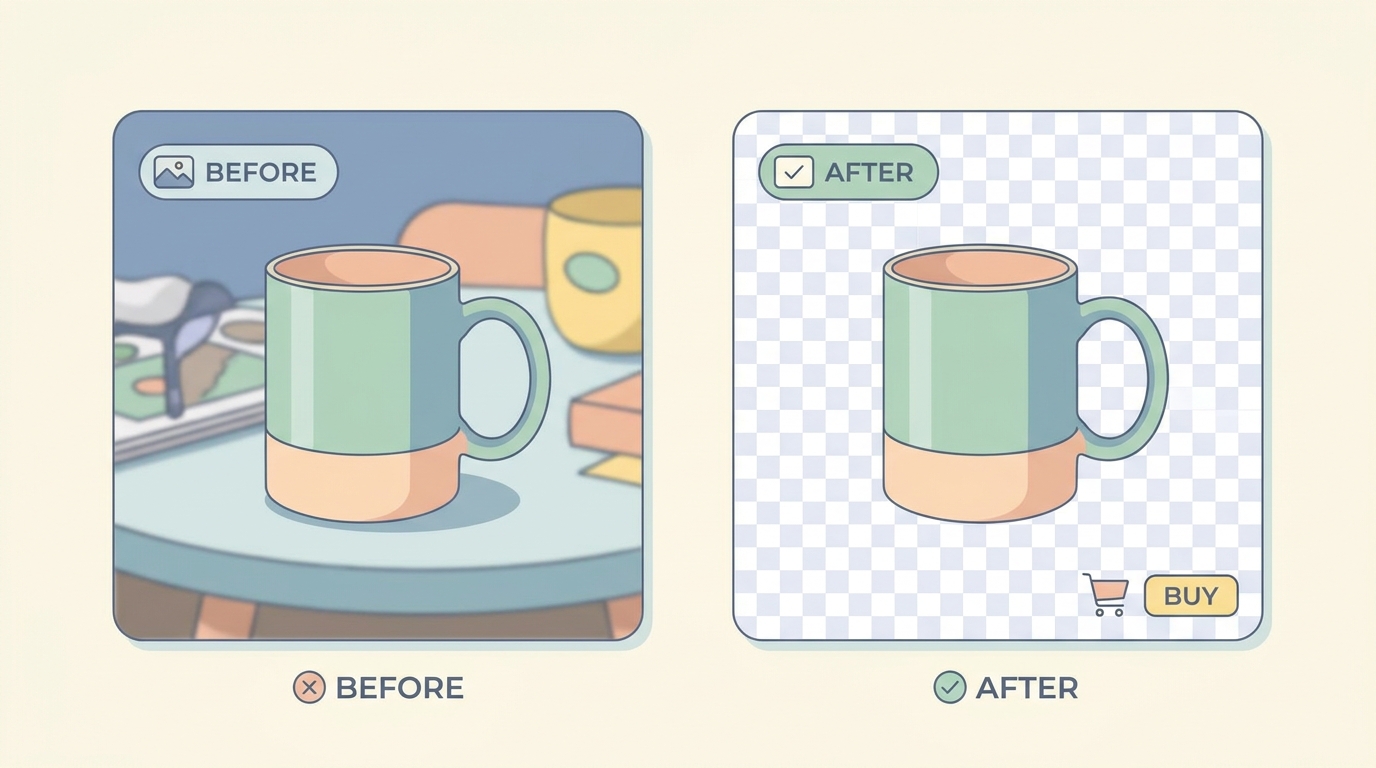
Before getting into specific tools, the four things to evaluate:
- Edge accuracy on hair, fur, and translucent objects — the test that separates serious tools from filters.
- Batch processing — can you remove backgrounds from 50 photos at once, or does each one need a manual click?
- Output format — does it deliver pure white (#FFFFFF) for Amazon's main image rule, or "near white" with a gradient?
- Marketplace integration — does the tool understand that Amazon wants 85% product fill, Etsy wants square crops, and TikTok Shop wants both 1:1 and 9:16?
A general-purpose tool wins on #1 and #2. A seller-specific tool wins on #3 and #4. Which one matters more depends on your workflow.
Remove.bg

The original. Browser-based, one-click upload, white-or-transparent output. Free tier gives you preview-resolution downloads (612×408 max) — useful for Pinterest pins but not for Amazon listings. Paid plans start at $9 per month for 40 high-res images.
Strengths. Edge accuracy on hair and fur is the best in this comparison. The model is trained specifically on product and portrait photography, and it shows. Stray hairs on a model holding a hairbrush get isolated cleanly — most competitors merge them with the background.
Weaknesses. No marketplace presets. Output is square or original aspect — you do your own cropping for Amazon's 1:1 main image rule. Batch processing requires API access at extra cost. No undo on the white background output once downloaded.
Best for. Single high-value product photos where edge quality matters more than throughput. Cosmetics, jewelry, anything with fine detail.
PhotoRoom
Mobile-first product photo app. The mobile app is free with watermarks; paid Pro is $9.99/month or $59/year. PhotoRoom Web (released 2023) is the desktop version with batch processing.
Strengths. The mobile app is genuinely fast — point camera at product, app removes background in real-time before you've finished framing. Built-in templates for Etsy, Amazon, Shopify, and Instagram. Batch up to 1,000 images on the Pro Business plan.
Weaknesses. Edge quality is good but not great on translucent or reflective surfaces — glassware and metallic finishes show halo artifacts at high zoom. Pure white isn't always pure white — measured #FAFAFA on several outputs, which technically fails Amazon's RGB 255/255/255 rule.
Best for. High-volume Etsy and Shopify sellers who shoot on their phone and want the entire workflow inside one app. Less ideal for Amazon if you're getting flagged for non-pure-white backgrounds.
Canva Background Remover
Bundled inside Canva Pro ($14.99/month). One-click button inside any Canva design, with the rest of Canva's templates available alongside.
Strengths. If you're already paying for Canva for other design work, the background remover is "free" — no extra subscription. Decent edge quality on hard-edged products (boxes, electronics, furniture).
Weaknesses. Hair and fur fail. Tested on the same model-with-hairbrush image — Canva merged stray hairs into the background, leaving a visible halo. Batch processing exists but requires manually opening each image into a Canva design first, which kills the throughput benefit. No native marketplace presets — you're cropping and resizing for each platform manually.
Best for. Sellers who already use Canva Pro and have simple product shapes. Not recommended as a standalone background remover.
Adobe Express / Photoshop AI
Adobe's "Remove Background" is built into Photoshop, Photoshop Elements, Adobe Express, and several Adobe mobile apps. Pricing varies by which Adobe product you're already using — Photoshop is $22.99/month standalone, Adobe Express starts at $9.99/month.
Strengths. The edge quality is the closest competitor to Remove.bg on hair and translucent objects. Photoshop's Select Subject + Mask Refinement gives manual override when AI gets it wrong — no other tool in this list offers that. Output is fully controllable: pure white, transparent, custom hex, gradient.
Weaknesses. Steepest learning curve. Adobe Express is closer to consumer-friendly but lacks the Mask Refinement override. No batch processing in the consumer tier — you'd need Photoshop Actions or scripts, which require setup.
Best for. Sellers with existing Adobe subscriptions and Photoshop skills. Excessive for pure background removal if you're starting from scratch.
SellerCard
Built for marketplace sellers specifically. Upload one phone photo of a product, and the tool generates the full set: white-background main shot, 3 lifestyle scenes, and (optional) model-holding-product variations. Plans start at $9/month for 10 listings.
Strengths. Marketplace-specific output presets. Amazon main image comes out at 1:1 square with 85% product fill on pure white (#FFFFFF). Etsy variants come out at the 13-photo template proportions. Shopify gets the merchant-friendly aspect ratios. Batch processing is built in — upload up to 100 photos per plan tier per month.
The biggest difference from Remove.bg and Adobe is that SellerCard isn't just removing the background — it's generating the additional photos most sellers need next. Lifestyle shots, in-context scenes, model variations are produced in the same workflow from the same input photo.
Weaknesses. Not the right tool if all you need is one background removed and nothing else. The full-set generation is the whole product. For a single, one-off main shot, Remove.bg or PhotoRoom are faster.
Best for. Multi-marketplace sellers who need the entire main + lifestyle + model photo set, not just the white-background isolation step. See the Studio PRO photo workflow for the full output set example.
Side-by-side comparison
Tool Edge quality Batch Pure white #FFFFFF Marketplace presets Starting price Remove.bg Best API only Yes No $9/mo (40 hi-res) PhotoRoom Good 1,000 max Sometimes #FAFAFA Yes (basic) $9.99/mo Canva Average Manual Yes No $14.99/mo (bundled) Adobe Express Very good No Customizable No $9.99/mo SellerCard Good Yes Yes Yes (deep) $9/mo (10 listings)Recommendations by use case
Single high-value product photo where edges matter most — Remove.bg. Pay the $9, accept the manual workflow, get the best output on hair and fur.
High-volume Etsy/Shopify shooting on phone — PhotoRoom. Mobile-first workflow, in-app templates, fast enough to use during a photoshoot.
Already paying for Canva or Adobe — use what you have. Both are good enough for products with clean edges. Save the subscription cost.
Multi-marketplace seller needing main shots + lifestyle + model variants — SellerCard generates the full set in one workflow, with marketplace-specific output. See the full photo gallery example for what the output looks like.
What about free tools
Remove.bg has a free tier that outputs 612×408 max. That's a thumbnail. Useless for Amazon (1600px minimum), useless for Etsy (570px minimum on first photo).
There's nothing actually free at production quality. Every tool above has a free tier that's either watermarked, low-resolution, or limited to 3-5 images per month. For a serious seller, budget $9-15/month minimum for any of these.
What to test before committing
Don't take this comparison as gospel. Tools update their AI models monthly, and edge quality can shift. Before paying for a yearly plan:
- Take 5 photos of your hardest products — anything with hair, fur, glass, reflective surfaces, or fluffy fabric.
- Run all 5 through each tool's free tier — yes, deal with the watermark on the preview.
- Zoom to 200% on the edges of the result. The tool that's still clean at 200% wins.
- Check the white background hex — open the result in Preview or Photos, eyedrop the background. If it's not #FFFFFF, it might trigger Amazon's "off-white" main image flag.
The 30 minutes of testing saves you from a 12-month subscription you'll resent.
For the broader product photo strategy these tools plug into, see how to create studio-quality photos with an iPhone and the product photos workflow.